The Shoulder-Tap Tax: Law Firm Knowledge Management
Why Lawyers Ask a Colleague Instead of Searching in the HR Portal
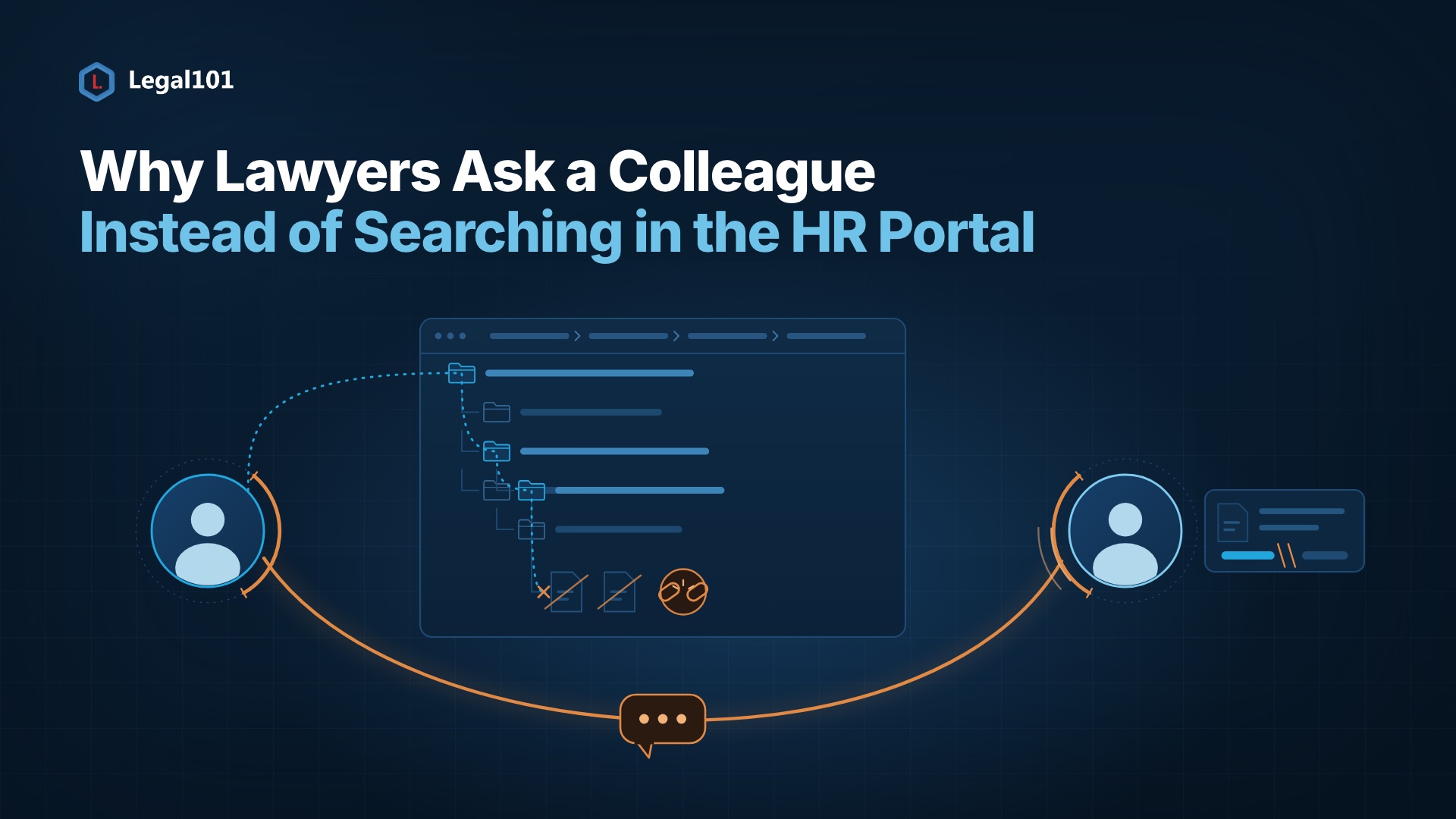
It is 4:40 pm on Thursday. A senior associate is finalising a client brief when she remembers she needs the firm's travel reimbursement policy before tomorrow's flight. She opens the HR portal. Three folders deep, two outdated PDFs, one broken link. Ten minutes later she gives up and messages HR: "Quick question, do you have the latest travel policy?"
That small moment hides a large cost. We call it the shoulder-tap tax.
What is the "shoulder-tap tax"?
The shoulder-tap tax is the productivity lost when someone cannot find an internal document and interrupts a colleague instead. Two people pay, not one: the person searching and the person who gets tapped.
How big is the problem?
The numbers are consistent across studies:
- 19% of the workweek. McKinsey found employees spend nearly a fifth of their time searching for and gathering information.
- 5.3 hours a week. Panopto and YouGov found US knowledge workers lose this much waiting for answers from colleagues or recreating knowledge that already exists.
- 24% ask a person first. A Glean survey found nearly a quarter of workers ask a colleague for documents instead of looking, and 42% find managing documents harder than managing email.
- 28% report scattered files. In a survey shared by legal technology provider iManage, more than a quarter said most or all their documents are spread across multiple systems.
The pattern is not new. IDC flagged around 2.5 hours a day lost to searching in 2001. Two decades on, the problem remains.
Why do HR portals fail lawyers?
Most HR portals are built for HR administrators. Lawyers use them differently: rarely, urgently and under deadlines.
- Folders, not language. A lawyer thinks "2026 travel policy." The portal thinks "Finance > Policies > Travel > Archive."
- Version anxiety. Lawyers cannot risk acting on a superseded policy, so doubt sends them to a person.
- No priority. The handbook everyone needs sits beside a form used once a year.
- Friction. A separate login and a confusing layout make a message to HR feel faster.
Lawyers are not lazy. They pick the lowest friction path, and a human gives a confident answer.
What does an interruption really cost?
Research by Gloria Mark at UC Irvine found it takes around 23 minutes to return to the original task after an interruption. Microsoft's 2025 Work Trend Index found employees interrupted roughly every two minutes during core working hours.
So, a "quick question" to HR is rarely quick. It also carries risk: an answer given from memory may be outdated, and in a regulated profession that becomes a compliance of concern.
What does good look like?
Law firms already know how to find precedents. Internal policies deserve the same standard. The capabilities that matter:
- Plain language search. Type "2026 travel policy" and get the exact file, not a map of folders.
- Smart metadata. Year, owner, status and office tags keep results accurate and current.
- Personalised quick links. Handbooks, leave policies and CLE materials sit on each lawyer's home screen, based on role.
- One trusted source. A clear "current" status removes the "is this the latest?" question.
Picture a partner boarding a flight who needs the parental leave policy to advise a team member. One tap, no message, no waiting.
Questions for CIOs and Knowledge Managers
- How long does a new associate take to find the leave policy?
- How many HR messages ask for documents that already exist?
- Do we measure search success, or only system uptime?
- Who owns metadata quality?
The takeaway
The goal is not a prettier portal. It is protecting lawyer focus and HR capacity. Firms that make internal knowledge findable stop paying the shoulder-tap tax, and every hour recovered goes back to client work.