Legal101 AI Took the Keyboard at Booth 344
Another ILTACON is in the books, and it was our best one yet.
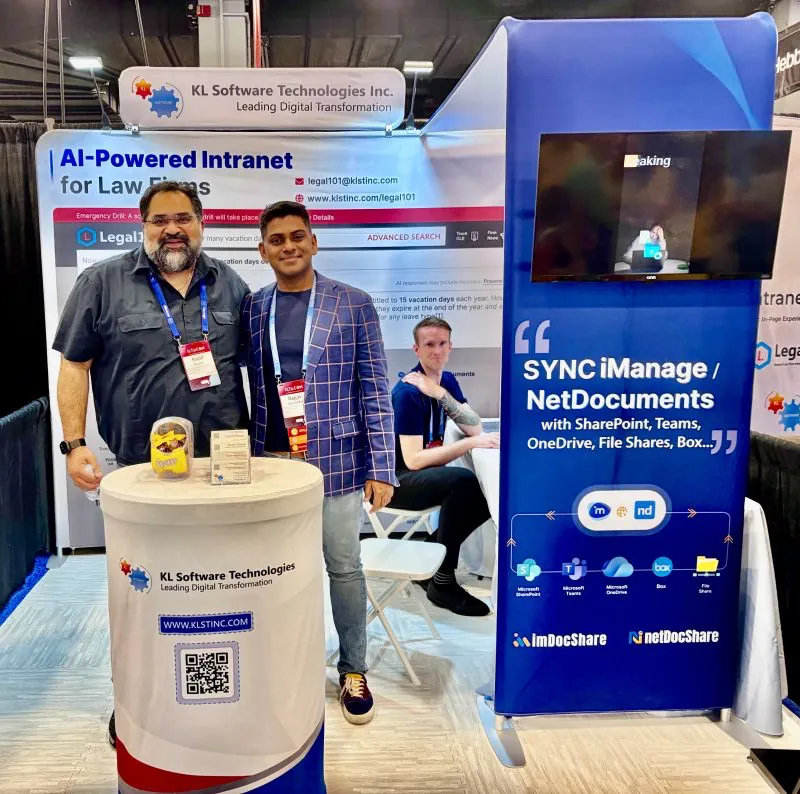
Booth #344 was busy from the moment the floor opened. Special thanks to every client, prospect, partner, and friend who stopped by, asked a hard question, or simply said hello. The feedback was even better than the compliments, and we are taking all of it home with us.
Every serious conversation at Booth #344 converged on the same point. Firms do not need another standalone AI tool. They need the systems they already own to finally work together, and to be genuinely useful to an attorney under deadline.
ILTACON 2026: Success, Conversations & Momentum
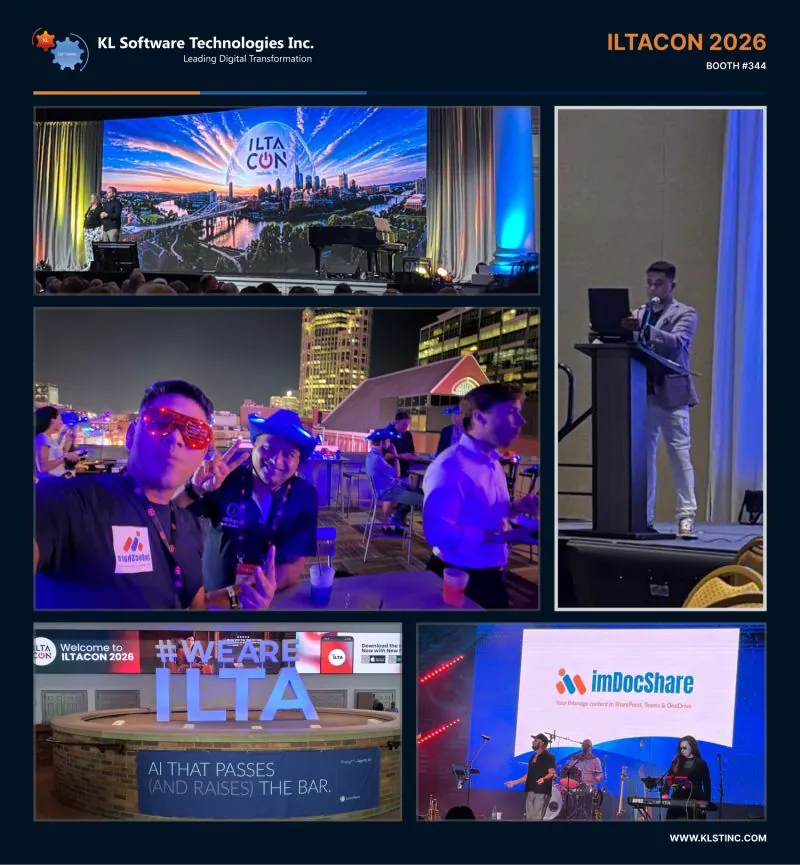
A quick look at what made Booth #344 one of our busiest ILTACON weeks yet.
Frontline Managed Services
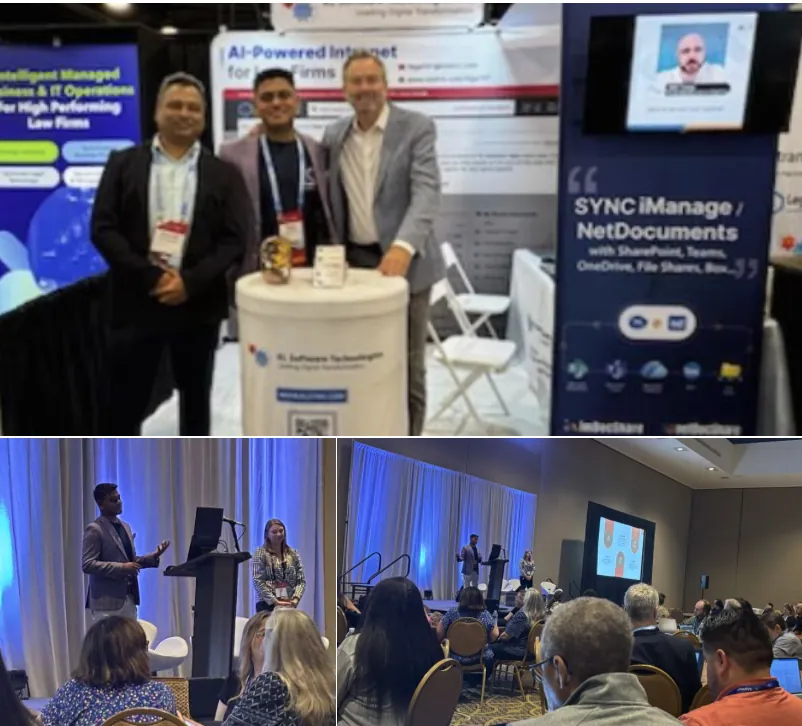
Booths #340 and #344 shared one idea: the value comes from making the firm's existing platforms work as one system, not from adding another disconnected AI tool.
Self-guided Legal101 AI demos
Visitors took the keyboard themselves, typed real questions and reviewed cited answers.
Conference session
A live session on building AI agents with Microsoft Copilot Studio.
imDocShare at the iManage After Party
imDocShare got a shout-out from the stage—marking ten years of keeping iManage and Microsoft 365 in sync for law firms.
What visitors actually did at Booth 344
The demo nobody had to sit through
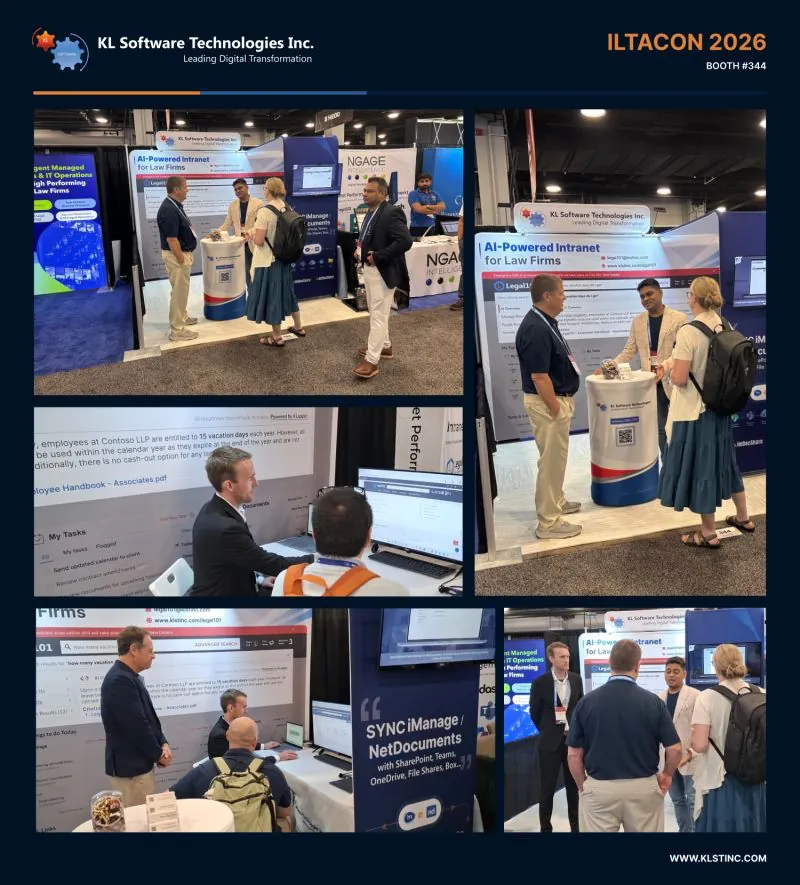
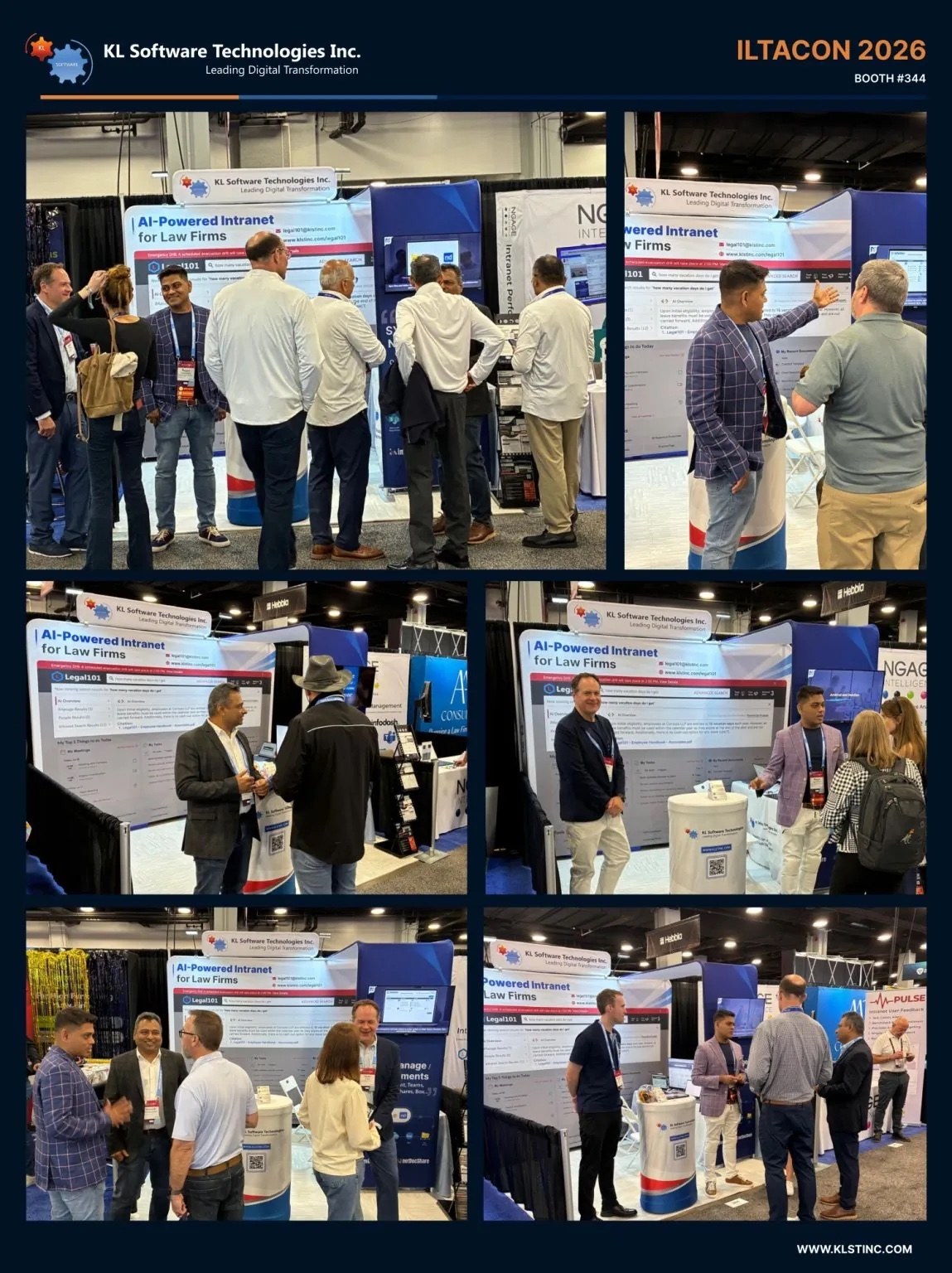
Look at the photos from the week and notice who is holding the keyboard. That part was not scripted.
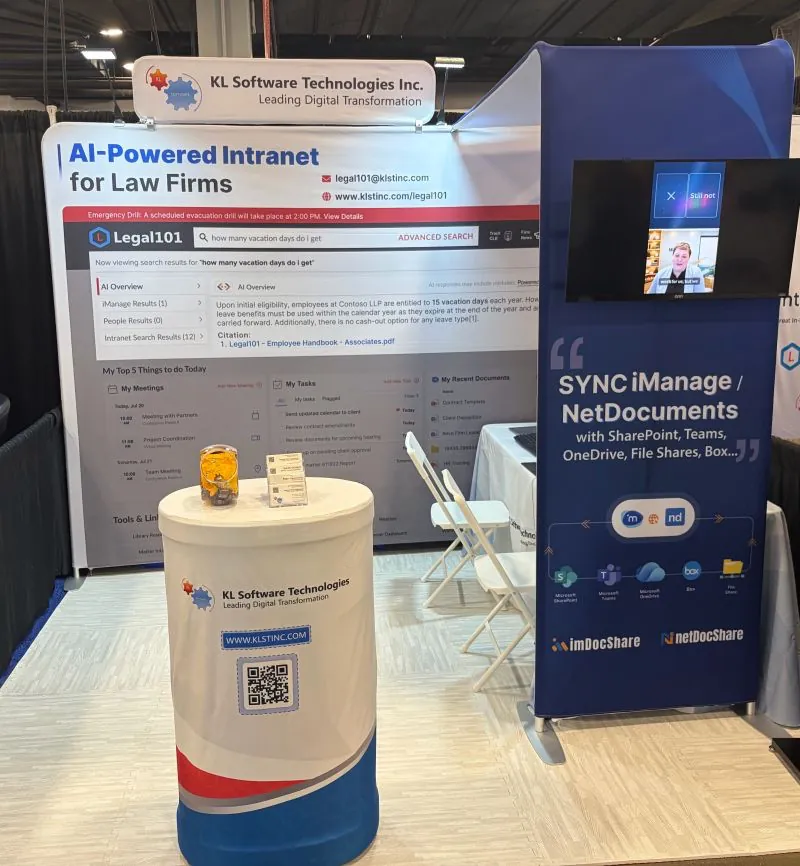
Visitors sat down, typed their own question, and watched firm knowledge come back in plain language with the source document cited underneath. Someone asked how many vacation days they get, and Legal101 AI answered and cited Employee Handbook - Associates.pdf.
Upon initial eligibility, employees at Contoso LLP are entitled to 15 vacation days each year. However, all leave benefits must be used within the calendar year as they expire at the end of the year and are not carried forward. Additionally, there is no cash-out option for any leave type[1].
- No portal spelunking
- No guessing which SharePoint site it lives on
Then they tried a harder question. Then they asked whether it could do the same across iManage and NetDocuments. It can.
An intranet that knows you, builds itself, manages itself and governs itself
Legal101 AI uses private Azure AI, LLM and RAG capabilities inside the firm's secure environment to turn a static SharePoint intranet into a personalized knowledge experience.
More Product Success at ILTACON 2026
Legal101 AI was not the only product drawing attention in Nashville. Our document-management integrations also continued to show how firms can bring familiar content directly into Microsoft 365.
Bring NetDocuments into SharePoint & Teams
View, edit, sync and search NetDocuments content directly in SharePoint and Microsoft Teams.

Bring iManage Work into SharePoint & Teams
View, edit, sync and search iManage Work Server or Cloud content directly in SharePoint and Microsoft Teams.
Direct from LinkedIn
Highlights from ILTACON 2026. Select any image to open the original LinkedIn post.
ILTACON 2026 recap: common questions
Key answers about KLST at ILTACON 2026, Legal101 AI, the booth experience, and how to continue the conversation after Nashville.
Was KL Software Technologies at ILTACON 2026?
Yes. KL Software Technologies exhibited at Booth #344 at ILTACON 2026, held August 23 to 27, 2026 at the Gaylord Opryland Resort and Convention Center in Nashville, Tennessee. The team demonstrated Legal101 AI, imDocShare, netDocShare, KLapper and Microsoft Copilot consulting services.
What did KLST showcase at ILTACON 2026?
KLST showcased Legal101 AI, an AI-powered SharePoint intranet for law firms. It uses private Azure AI, LLM and RAG capabilities inside the firm's own tenant to personalize content, build and manage pages with plain-language prompts, and surface firm knowledge with source citations.
What is Legal101 AI Powered Intranet for Law Firms?
Legal101 AI is an AI-powered intranet for law firms built on Microsoft SharePoint. It learns from user interests and interactions to surface relevant knowledge, creates pages and web parts from prompts and sketches, and applies governance automatically.
Does Legal101 AI work with iManage and NetDocuments?
Yes. Legal101 AI answers questions across SharePoint, iManage and NetDocuments content. Attorneys get cited answers drawn from the document management system the firm already uses, with existing permissions and ethical walls preserved.
Where is my firm data processed with Legal101 AI?
Inside your own Microsoft Azure tenant. Legal101 AI runs private AI, LLM and RAG entirely within the firm's secure environment. Firm knowledge, user personalization data and AI processing stay in the firm's control and are not sent to a shared public model.
What session did KLST present at ILTACON 2026?
Ragav Jagannathan, President and Group CEO of KL Software Technologies, co-presented “Lights, Camera, Co-Pilot Studio” with Sarah Wright, Copilot Solution Engineer at Microsoft. The session covered building AI agents for SharePoint, chat, Copilot Studio and support functions.
How can I see the Legal101 AI demo if I missed ILTACON 2026?
Book a demo at klstinc.com or email legal101@klstinc.com. The same self-guided demo shown at Booth #344 is available remotely, so you can type your own questions and see cited answers returned from a sample firm knowledge base.
Take the keyboard. Ask your own question.
The self-guided demo does not need a show floor. See your firm knowledge come back with a citation.