
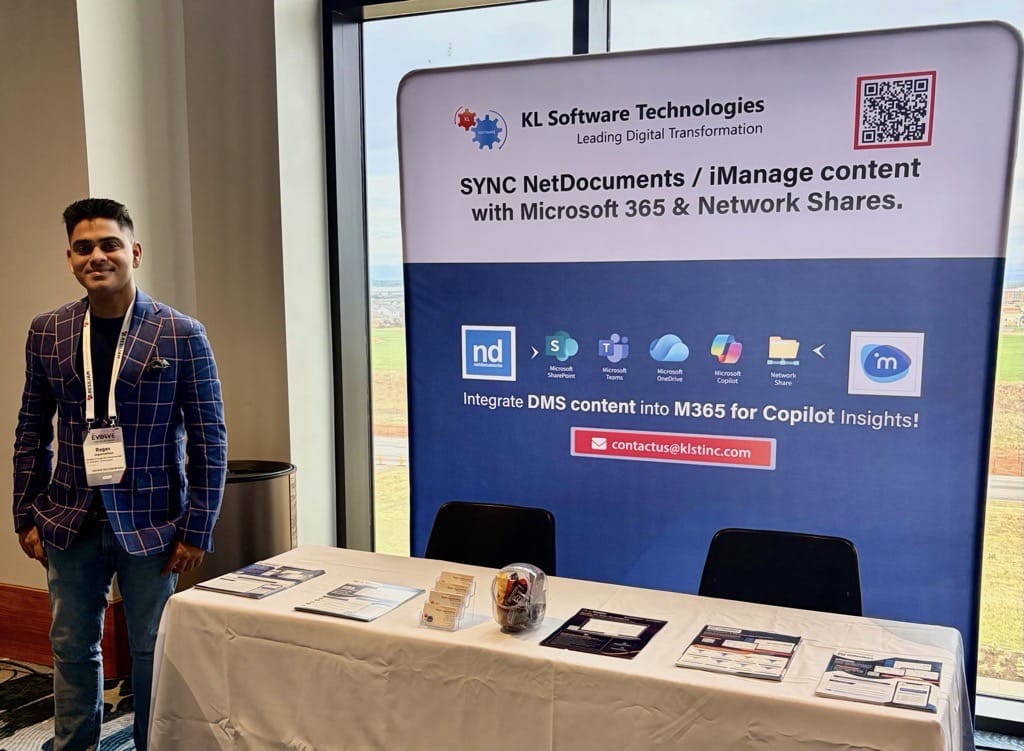
The energy at ILTA EVOLVE 2026 was unbelievable.
From the opening sessions to the hallway conversations at Table #47, one theme dominated every interaction: the firms that are treating AI as a strategic infrastructure investment. not a novelty feature are already pulling ahead. This is the story of what we witnessed, what we shared, and what it means for your firm.
The Conversation at Table #47: From DMS Silos to Unified Intelligence
Law firms have been talking about digital transformation for a decade. At ILTA EVOLVE 2026, the conversation shifted from aspiration to acceleration. Attorneys, KM directors, IT leaders, and firm administrators gathered at our table not to ask "should we be doing this?" but rather "how do we get there faster?"
The challenges our visitors raised were consistent across firm sizes and practice areas:
- Persistent friction from toggling between Document Management Systems and Microsoft 365
- Version chaos eroding attorney trust in shared documents
- AI tools delivering inconsistent outputs because underlying knowledge infrastructure was not AI-ready
- KM teams being asked to operationalize GenAI without the governance foundation to make outputs reliable
Finding
This observation reframed every conversation we had — and set the stage perfectly for the session that closed out EVOLVE 2026.
The Session: "From Prompting to Context Engineering — The New KM Superpower"
Setting the Stage
Scheduled as the final session of the conference on Friday at 4:30 PM, this could have been the moment energy dissipated and attendees headed for the exits. Instead, the room filled. And it stayed full. When the session ran five minutes over close due to audience questions that simply would not stop, it was clear the topic had struck a nerve that the industry had been waiting to name.
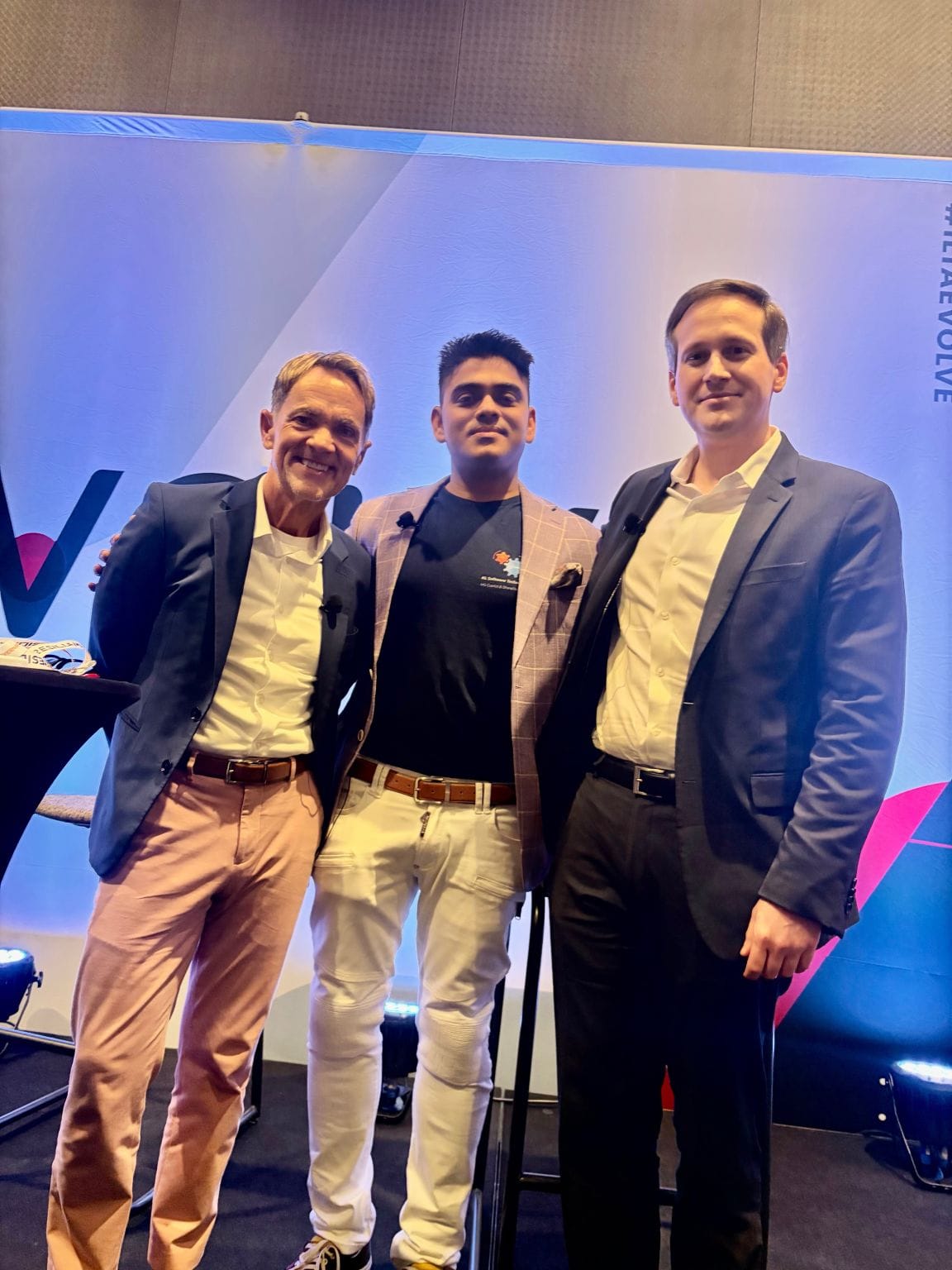
Presented by Our President & Group CEO of KL Software Technologies Inc., Ragav Jagannathan alongside collaborators Jeffrey Roach, Managing Director of Harbor Global, LLC and Kyle Poe, Legal Solutions Director of Legora with exceptional coordination by session lead Todd Parkin, Associate Director of Document Management Systems at eSentio; the session challenged one of the most widely held assumptions in legal AI today: that better prompts produce better AI.
The Core Argument
The session opened with a provocation: prompting is a band-aid. It is the user-facing symptom of a much deeper question what data, structure, and context is your AI system actually working with?
The presenters flipped the conventional AI adoption narrative. Rather than treating GenAI as a tool that attorneys interact with, the session repositioned it as an engine that Knowledge Management teams architect. KM professionals, the argument went, are not AI users. They are AI infrastructure designers.
The implications are significant. If AI output quality is fundamentally a function of the knowledge inputs it receives, then the most valuable investment a firm can make is not in better prompts or more powerful models; it is in curated, structured, governed knowledge ecosystems that AI can actually run on.
Live Copilot Agent Demo: Turning Unstructured Content into Actionable Intelligence
One of the session highlights was a live Microsoft Copilot agent demonstration showing AI surfacing actionable intelligence from sources that firms typically treat as dead weight:
- Voice Memos
- Rough Meeting Notes
- Unstructured Minutes
- Legacy Faxes
- Raw Attorney Annotations
Watching unstructured content transform into structured, usable insight in real time — without manual reformatting or data re-entry — produced a visible shift in the room. The question stopped being "can AI do this?" and became "how quickly can we implement this?"
5 Key Takeaways from the Session
The session distilled into five principles that KM teams and firm leadership can begin applying immediately:
| 01 | Context Beats Clever PromptsAI output quality is determined far more by structured context than by prompt sophistication. Well-architected data inputs, not verbal gymnastics, drive results that hold up under scrutiny. |
| 02 | KM Teams Are the AI Performance EngineKnowledge Management professionals are not AI bystanders. They design the data, metadata, and guardrails that AI systems depend on to deliver reliable, defensible outputs in legal environments. |
| 03 | Structure Is What Makes AI TrustworthyMatter profiles, controlled taxonomies, and governance policies transform AI from a black box into an auditable, repeatable system — one that firms can rely on, not just experiment with. |
| 04 | AI-Ready Content Is a Competitive AssetPlaybooks, precedents, and institutional knowledge assets must be actively curated and maintained for retrieval. Stale, unstructured content in = unreliable AI out. Currency matters. |
| 05 | Agentic AI Is Already in the RoomThe live Microsoft Copilot agent demo showed how AI can transform unstructured content; voice memos, handwritten notes, raw minutes, legacy faxes into actionable intelligence in real time. |
20+ Minutes of Q&A That Would Not Stop
The session's official close came and went. Questions kept coming. Attendees challenged the panelists on implementation timelines, governance trade-offs, the role of matter taxonomies in retrieval-augmented generation, and the practical steps KM teams could take Monday morning.
That kind of real-world urgency — the recognition that the gap between AI experimentation and AI reliability is a structural knowledge problem — is precisely what drove the energy in that room in Denver.
the
Room
KLST Team at EVOLVE 2026: Solutions Built for This Moment
The challenges law firms raised at Table #47 are not theoretical. They are the daily operational friction that our product portfolio was built to eliminate. The solutions generated the most conversation throughout the event:
| Solution | What It Delivers |
|---|---|
| imDocShare Sync | Secure, bi-directional iManage ↔ Microsoft 365 integration that eliminates app-switching and version sprawl across your firm's document ecosystem. |
| netDocShare Sync | NetDocuments ↔ M365 sync with embedded governance, automation workflows, and compliance controls that keep your DMS and collaboration tools in perfect alignment. |
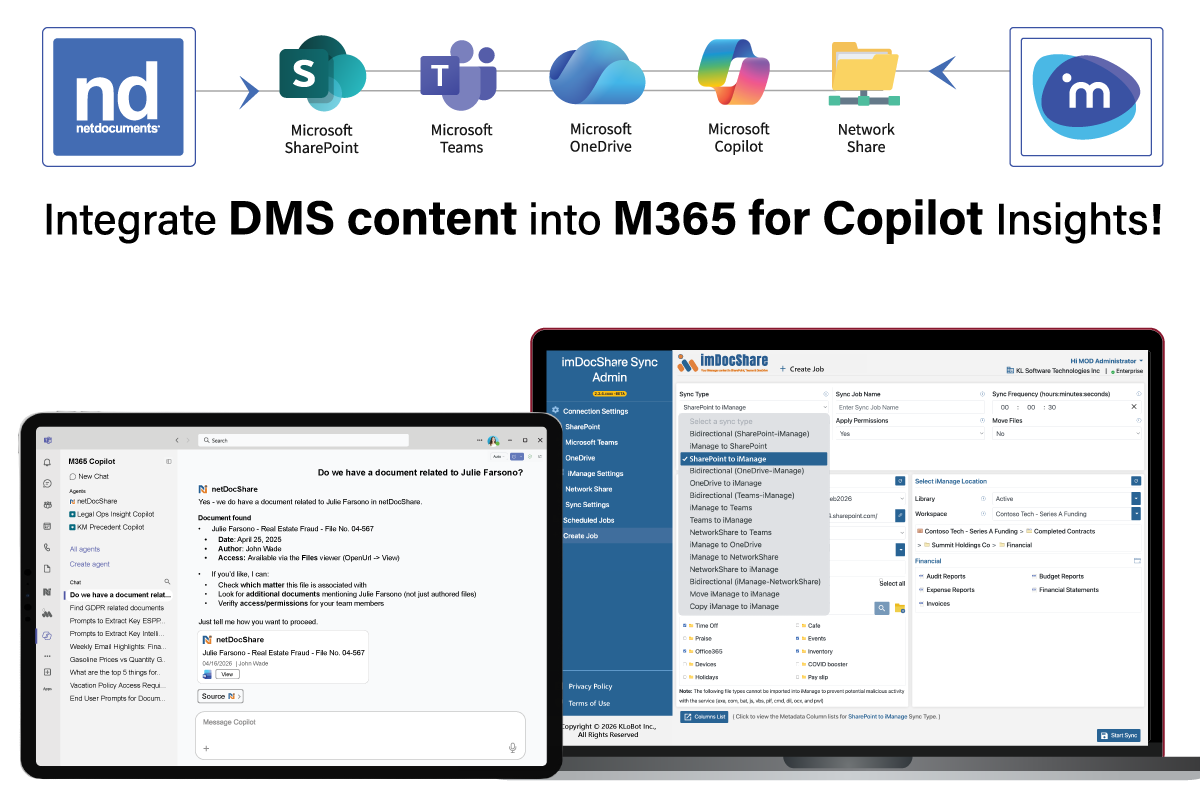
Across every product conversation at EVOLVE, three outcomes kept surfacing as what firms care most about achieving:
- Eliminating app-switching between DMS and Microsoft 365 — recovering attorney time lost to context-switching
- Enabling secure, bi-directional document sync — ending version chaos and the trust deficit it creates
- Unlocking AI-driven search, drafting, and knowledge workflows — moving from experimental AI to embedded, reliable AI
The Shift That Is Already Underway
ILTA EVOLVE 2026 confirmed something that has been building for the past eighteen months in legal technology: GenAI is no longer a horizon event. It is a present-tense competitive differentiator.
The firms that attended this conference with an open posture — willing to interrogate their own knowledge infrastructure, their DMS-to-M365 integration gaps, their metadata governance, their AI-readiness — left Denver with a sharper understanding of the work ahead. The firms that came looking for a simple answer to "which AI tool should we buy?" found a more honest answer: the tool is only as good as the foundation it runs on.
The session, the product demonstrations, and the hallway conversations all pointed in one direction: "We are moving from prompting experiments to engineering reliable AI systems for legal work."
KL Software Technologies is proud to have been part of that conversation — at the table, at the podium, and in every firm-specific discussion we will continue beyond Denver.
Continue the Conversation
Continue the Conversation...
Is your firm ready to move from AI experiments to AI outcomes?
Let's talk about your knowledge infrastructure, your DMS integration gaps, and what a 90-day path to AI-readiness could look like for your team.
Book a Consultation