
Meet Our Team at
iManage ConnectLive 2026
Come & Explore
imDocShare Sync
Built for modern legal operations, imDocShare Sync delivers true bi-directional, metadata-aware, and permissions-preserving (including Ethical Walls) synchronization across iManage, SharePoint, Teams, OneDrive, and Network Shares.
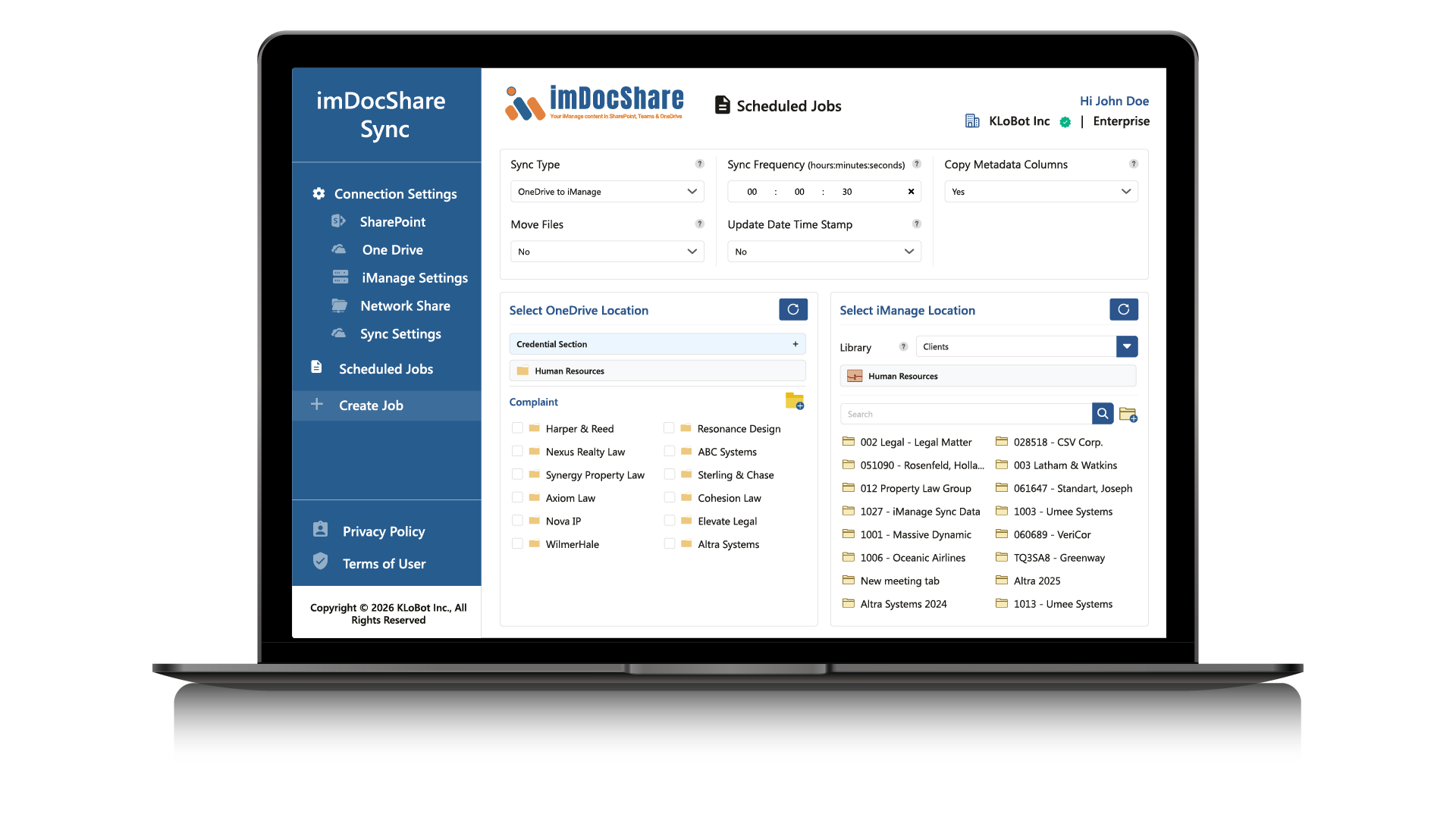
imDocShare Sync supports synchronization at every level —
entire libraries, individual workspaces, folders and subfolders, and even specific files; giving firms complete control over how and where their content is synchronized.
Learn MoreHighlights
Enterprise-grade synchronization features built for legal teams
Bi-directional or One-Way Sync
Full metadata and permission retention ensures documents stay consistent across platforms.
Native Teams Channel Support
Works with standard, private, and shared Teams channels.
Auto-Move with Links Preserved
Migrate content from Teams/OneDrive to iManage while keeping links intact.
Linked Document Mode
Maintain a single source of truth with intelligent linking.
Move/Copy with DocID Retention
Preserve document identifiers and audit trails for compliance.
Key Capabilities of imDocShare Sync
Access Firm Document across Microsoft Tools!
Synchronized documents flow naturally across the Microsoft 365 ecosystem, meeting attorneys wherever they work.
SharePoint
Surface documents in knowledge portals for firm-wide access.
Teams
Collaborate in real time through Teams collaboration channels.
OneDrive
Share and store documents securely; work offline anywhere.
Work Anywhere
Secure Access on Any Device
Access synchronized workspaces via OneDrive on any device
Work on documents offline when traveling or in low-connectivity areas
Files automatically re-sync once a connection is restored
See It Live at iManage ConnectLive 2026
Come find us at the conference and get a live walkthrough of imDocShare Sync
Request a Demo